Anura Base Hub
Part Number: 10070
Overview
The Anura Base Hub enables long-term, permanent monitoring of industrial equipment using Anura VS1 sensors. It collects data from VS1 sensors via one or more TR1 transceivers, buffers it, and transfers it to remote or local destinations.
The Base Hub also enables remote configuration of sensors, making it possible to adjust measurement-related parameters via an internet-accessible API.
Package Contents
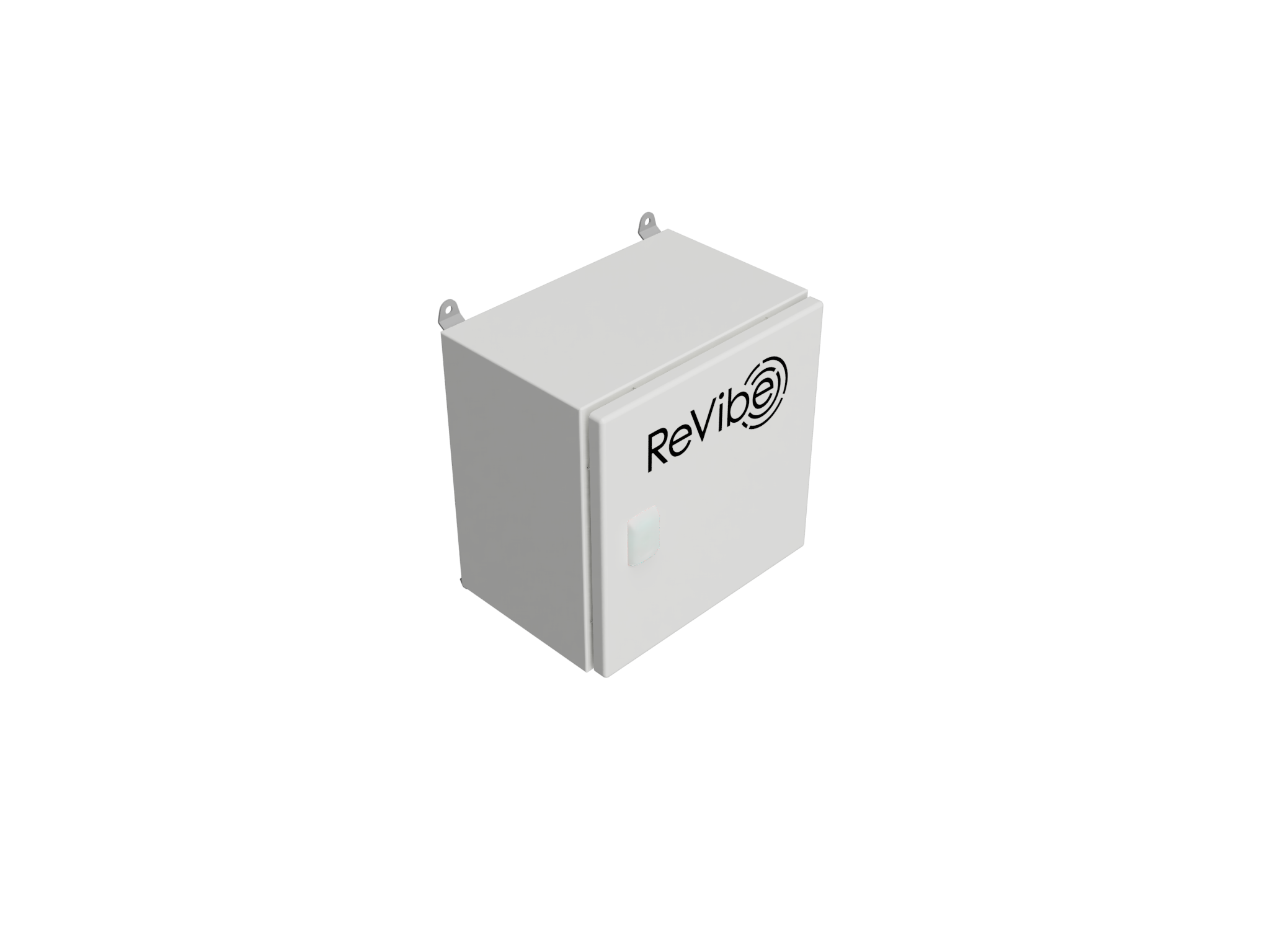
Part Number: 10070
Data Destinations
Data destinations are configured using the API endpoint /gateways/{gateway_id}/data_destinations. Multiple data destinations can be active simultaneously.
Destination Type |
|
Notes |
|---|---|---|
Secured (TLS) MQTT |
|
Recommended for systems communicating over the internet. Requires a certificate authority (CA) you control—the gateway generates a certificate signing request (CSR) exposed over the API, which the receiving system signs and returns |
Unsecured MQTT |
|
Not recommended for use outside a well-secured and delimited local network |
Local disk |
|
Stores data locally on the gateway |
Data Formats
Every data destination requires the data_formats config attribute to be set, activating transmission of one or more of the following:
aggregated_protobuf/aggregated_json- frequently-transmitted, low-bandwidth values derived from raw acceleration data (RMS, max acceleration, dominating frequency, and more)scheduled_protobuf/scheduled_csv- raw time-domain acceleration data, recorded according to the schedule specified in the node settingsnode_health_protobuf- meta-information about sensor nodes, such as battery level, signal strength, and time synchronization statistics
Protobuf formats are described in the anura-data-model repository.
Buffering
If a data destination is unreachable, the Base Hub buffers sensor data on disk for that destination until it can be sent—even across a power cycle. This means measurements can be recorded without internet access, to be uploaded the next time connectivity is restored.
It is possible to change a data destination’s configuration without losing buffered data, as long as its destination_name stays unchanged. This is useful if, for example, an MQTT broker is assigned a new hostname or IP address.
Equipment
The Base Hub enclosure houses:
DIN-rail mounted industrial PC (FitPC Fitlet3), part no. 40003
DIN-rail mounted PoE network switch (Teltonika TSW101), part no. 40004
DIN-rail mounted power supply, 12 VDC, sold with a MeanWell OWA-60E-12 (12 VDC, 5 A)
Typical power consumption is 7 W without transceivers connected, rising to about 12 W with 4 transceivers connected.
Firmware Updates
The Base Hub supports system upgrades and patches, managed by ReVibe Energy.
Product Care
- General use
Do not drop, throw, or subject the product to excessive force, as this could damage the enclosure or internal components.
- Cleaning
Clean the enclosure using a soft, damp cloth. Do not use abrasive materials or harsh cleaning agents, as these may damage the surface finish.
Specifications
Cabinet Material |
Powder-coated steel sheet |
Dimensions (excluding cables and mounting accessories) |
300 × 300 × 210 mm |
Weight |
7.5 kg |
Mounting Interface |
Wall mount (AX 2508.020), sold as default |
Incoming Connections |
External LAN, 10/100/1000BASE-T Ethernet on CAT6 |
Outgoing Connections |
4× cable grommets for Ethernet connection to ReVibe Anura transceivers or an Anura Extension Hub |
Ingress Protection |
IP65 |
Operating Temperature |
-40 °C to +80 °C |
Storage Temperature |
-40 °C to +80 °C (-40 °F to +140 °F) |
Relative Humidity |
5% to 95% non-condensing |
Expected Product Lifetime |
|
Accessories
- Mounts
Wall mount (AX 2508.020), Pole clamp (AX 2584.100)
- Cables
Ethernet RJ45-NEUTRIK EtherCON CAT6a, 10 m or 30 m